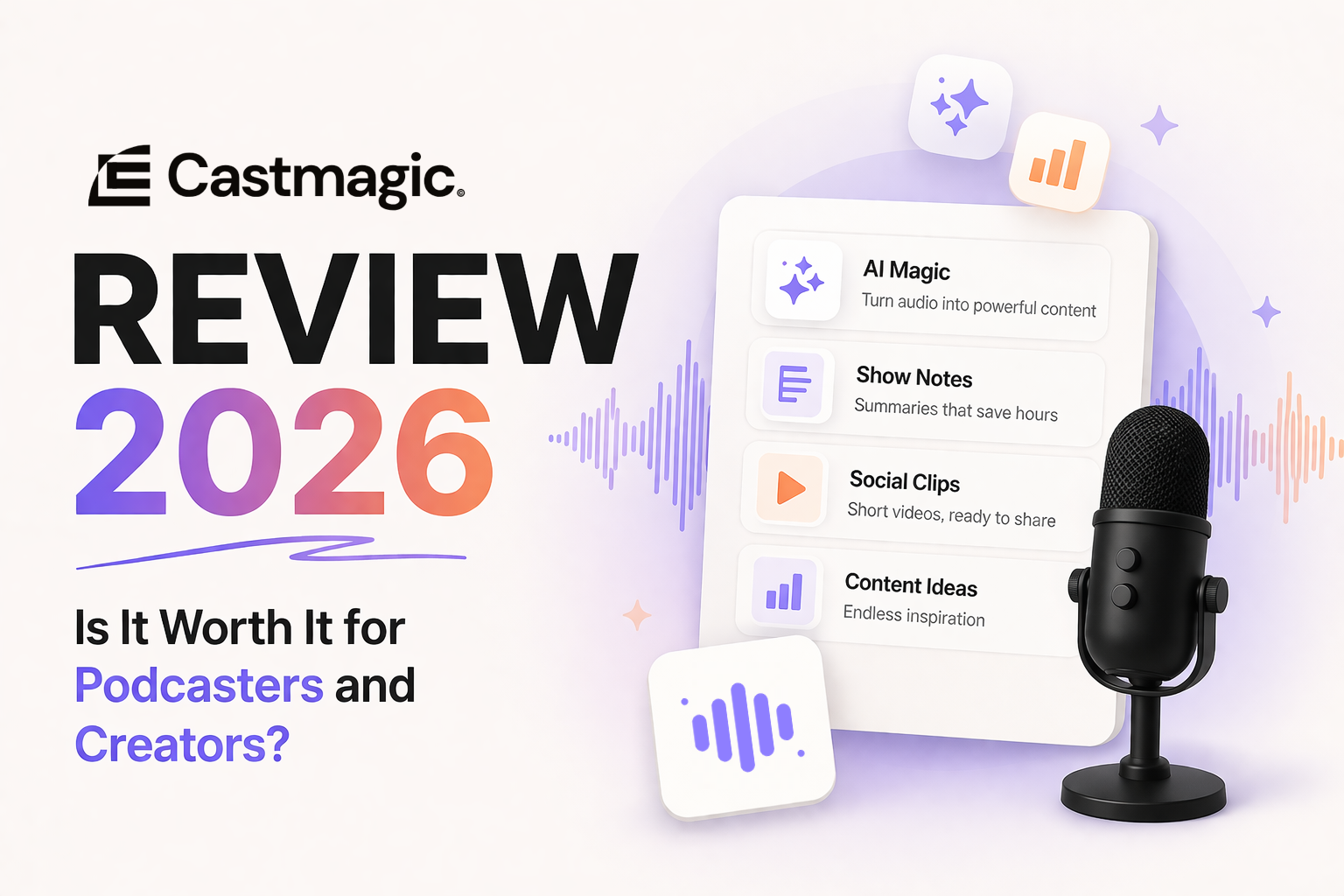
If you’ve spent any time in podcasting or content creation communities in the past year, you’ve almost certainly seen Castmagic mentioned. The promise is compelling: upload an audio or video file and receive a complete content suite in minutes — transcript, show notes, social posts, newsletter, chapter markers, key quotes, and more.
But does it actually deliver? This Castmagic review breaks down exactly what the tool does, how well it does it, what it costs, and — most importantly — whether it’s worth paying for given the alternatives.
I’ll cover the features in detail, the pricing tiers honestly, the limitations most reviews gloss over, and who specifically should and shouldn’t subscribe.
Disclosure: Some links in this article are affiliate links. We may earn a commission if you purchase through them, at no extra cost to you.
What is Castmagic?
Castmagic is an AI-powered content repurposing platform designed specifically for audio and video creators. You upload a recording — a podcast episode, a YouTube video, a webinar, an interview — and Castmagic processes it and generates a full suite of written content from that single file.
The core idea is straightforward: most creators produce valuable content in audio or video form and then either skip the written distribution entirely (leaving traffic and audience growth on the table) or spend hours manually creating show notes, newsletters, and social posts that their recordings could generate automatically.
Castmagic was built to eliminate that bottleneck. Whether it does so effectively enough to justify its price is what this review answers. This Castmagic review focuses specifically on its value for independent podcasters and video creators.
If you’re looking for a broader overview of AI tools across your full podcast workflow, see our complete guide to the best AI podcast tools in 2026.
Castmagic Features: What You Actually Get
When you upload a file to Castmagic, the platform generates the following outputs automatically:
Transcript A full verbatim transcript with speaker identification. Accuracy is high for clear audio — typically 95%+ for well-recorded content in English. Accuracy drops on heavily accented speech, technical jargon, or poor audio quality, as with any AI transcription tool.
Show Notes Structured show notes in a professional format — introduction, key topics covered, timestamps, and a summary. The default format is clean enough to publish directly for most podcasters with light editing.
Episode Summary A 150–300 word summary capturing the main points of the episode. Useful for podcast directory descriptions, email subject lines, and social media captions.
Key Quotes and Highlights Castmagic identifies the most quotable moments from the transcript and surfaces them as standalone quotes. These are ready-to-use for social media graphics, pull quotes in newsletters, and promotional content.
Social Media Posts Multiple post variations for different platforms — Twitter/X threads, LinkedIn posts, Instagram captions. The platform generates 5–10 variations per platform and they’re noticeably better than generic AI social posts because they’re grounded in the specific content of your episode rather than invented from scratch.
Newsletter Content A newsletter-ready version of the episode’s key insights, formatted for email. This is one of Castmagic’s strongest outputs — it captures the substance of a conversation in a readable format rather than just summarising what was said.
Chapter Markers Timestamped chapter markers formatted for YouTube, podcast players, and show notes. Accurate and saves meaningful time for longer episodes.
Custom Magic Chat A conversational interface that lets you ask questions about your episode content and generate custom outputs beyond the standard templates. You can request a blog post, a sales email, a course outline, or anything else derived from the content you’ve uploaded. This is where Castmagic’s flexibility is highest.
Castmagic in Practice: How Well Does It Actually Work?
Transcription quality: Good to excellent for well-recorded audio. Comparable to Otter.ai and Descript’s transcription — which is to say, reliable enough to use as a base without re-typing everything, but not perfect enough to skip a proofread.
Show notes quality: The best automatic show notes generator currently available for podcasters. The structure is sensible, the summaries are accurate, and the tone is appropriately professional without being robotic. Most podcasters report needing 5–10 minutes of editing rather than writing from scratch.
Social posts quality: Better than generic AI writing tools because the content is grounded in your actual episode. Weaker than a skilled social media writer because the posts tend toward informational rather than engaging. Treat them as strong first drafts rather than publish-ready copy.
Newsletter quality: Consistently the output that gets the most positive feedback from Castmagic users. The newsletter sections capture insight rather than just describing what was discussed — an important distinction for readers who weren’t in the room.
Custom Magic Chat: Genuinely useful for specific use cases — turning an episode into a blog post outline, extracting actionable tips, or generating a sales page from a testimonial-heavy interview. The quality depends heavily on prompt quality; vague requests get generic outputs.
Processing speed: Fast. A 60-minute episode typically processes in 3–5 minutes. Longer recordings (90+ minutes) take 8–12 minutes. Acceptable for a weekly workflow.
Castmagic Pricing: The Full Breakdown
Castmagic uses a usage-based subscription model with three main tiers as of 2026:
| Plan | Monthly Price | Upload Minutes | Best For |
|---|---|---|---|
| Starter | ~$23/month | 160 minutes | Weekly podcasters, 1–2 episodes/week |
| Hobby | ~$39/month | 300 minutes | Regular creators, 3–5 episodes/week |
| Starter (annual) | ~$19/month | 160 minutes | Weekly podcasters wanting to save |
| Hobby (annual) | ~$32/month | 300 minutes | Regular creators on annual billing |
What 160 minutes actually covers: At roughly 40–60 minutes per episode, 160 minutes covers 2–4 full podcast episodes per month. For a weekly podcast, this is cutting it close — you’d get 2–3 episodes processed per month before hitting the limit. Most weekly podcasters end up on the Hobby plan or the annual Starter plan.
Is there a free trial? Castmagic offers a free trial with limited credits — enough to process one or two short recordings and evaluate the output quality before committing.
Annual vs monthly: Annual billing saves approximately 17–18% compared to monthly. If you decide Castmagic fits your workflow after the trial, annual is the straightforward choice.
Castmagic vs Alternatives
Castmagic isn’t the only AI repurposing tool. Here’s how it compares to the main alternatives:
Castmagic vs Descript Descript is primarily an editing tool with some content generation features. Castmagic is primarily a content generation tool with no editing features. They don’t really compete — many creators use both. For a full head-to-head breakdown, see our Descript vs Riverside comparison. If you had to choose one, pick based on your bigger pain point: editing (Descript) or repurposing (Castmagic).
Castmagic vs Otter.ai Otter.ai is a transcription tool with summary features. Castmagic is a full content repurposing suite. For transcription alone, Otter.ai is cheaper. For a complete content suite from one upload, Castmagic has no equivalent at its price point.
Castmagic vs ChatGPT / Claude You can prompt a general AI tool with your transcript and get similar outputs — but it requires crafting detailed prompts, copying and pasting transcripts, and iterating on each output type separately. Castmagic automates this process and formats outputs specifically for podcast and creator workflows. The time saving is real for anyone publishing consistently.
Castmagic vs Opus Clip Opus Clip focuses on video clip generation for short-form social media. Castmagic focuses on written content generation. Different tools for different distribution channels — not direct competitors.
Who Should Use Castmagic?
Castmagic is worth it if:
- You publish a podcast or long-form video content regularly (weekly or more)
- You want to distribute content beyond the podcast feed — newsletter, social, blog — but don’t have time to create each format manually
- You’ve been skipping show notes or writing minimal ones because the time cost isn’t worth it
- You want to build a newsletter audience from your podcast content without adding hours to your workflow
- You’re comfortable treating AI outputs as strong first drafts that need light editing
Castmagic is not worth it if:
- You publish infrequently (monthly or less) — the cost per episode is high at low volume
- You only need transcription — Otter.ai is cheaper for that specific use case
- You expect publish-ready copy without any editing — all AI outputs benefit from human review
- You’re just starting out and haven’t established a consistent publishing schedule yet — get the publishing rhythm right first, then add repurposing tools
Castmagic Limitations: What Most Reviews Don’t Say
The upload minute limit is genuinely constraining at the Starter tier. 160 minutes sounds like a lot until you’re processing 45-minute episodes and realise you’re hitting the ceiling after 3–4 episodes. Be realistic about your volume before choosing a tier.
Output quality varies with input quality. If your audio is poor — background noise, crosstalk, low volume — the transcript accuracy drops and every downstream output suffers. Castmagic works best with well-recorded content.
The Magic Chat feature has a learning curve. Getting consistently good custom outputs requires learning to write effective prompts. Out-of-the-box results are good. Results from well-crafted prompts are excellent. The difference is noticeable.
It doesn’t replace a good newsletter writer. The newsletter output is impressive for AI-generated content. It is not a substitute for someone who deeply understands your audience and writes with personality and editorial judgment. For creators at scale, Castmagic is a first-draft tool, not a publishing tool.
Castmagic Review: The Verdict
Castmagic is the best AI content repurposing tool available for podcasters in 2026. Nothing else produces the breadth and quality of outputs from a single upload at its price point.
For weekly podcasters who have been skipping show notes, ignoring their newsletter, and posting inconsistently on social media because the time cost is too high — Castmagic is likely the highest-ROI tool you can add to your workflow. The time saving per episode is real and compounds over a consistent publishing schedule.
The caveats are equally real: the Starter tier’s upload limits are tight for a weekly show, output quality requires editing rather than blind publishing, and the tool adds most value to creators who are already publishing consistently rather than those still finding their rhythm.
Rating: 4.2/5
Strong enough to recommend confidently for the right creator. Not perfect, but the best option in its category.
Frequently Asked Questions About Castmagic
Before wrapping up this Castmagic review, here are answers to the most common questions.
Does Castmagic work for video content as well as audio? Yes. Castmagic accepts video files and processes them the same way as audio. YouTube creators and video podcasters use it as readily as audio-only podcasters.
How accurate is Castmagic’s transcription? For clear, well-recorded audio in English, accuracy is typically 95%+. Accuracy decreases with background noise, heavy accents, technical terminology, or multiple overlapping speakers. Reviewing the transcript before using downstream outputs is always recommended.
Does Castmagic integrate with podcast hosting platforms? Not directly — you export outputs and post them manually to your hosting platform, newsletter tool, or social accounts. There’s no native integration that pushes show notes directly to Buzzsprout or RSS.com, for example. It’s a generation tool, not a publishing tool.
Can Castmagic generate content in languages other than English? Castmagic supports multiple languages for transcription and content generation, though English produces the most reliable outputs. Non-English support has improved significantly and is adequate for most European languages.
Is there a free plan? Castmagic offers a free trial with limited credits rather than an ongoing free tier. The trial is sufficient to evaluate the tool’s output quality on your own content before subscribing.
How does Castmagic handle guest-heavy podcast content? Speaker identification is reliable for 2-person conversations. With 3 or more speakers, accuracy of attribution can drop. For interview podcasts with a consistent host and one guest, speaker labelling is generally accurate.